I wanted to see if I could build a small, useful app entirely from my phone on holiday. No laptop, limited time, just a phone…and a team of AI agents.
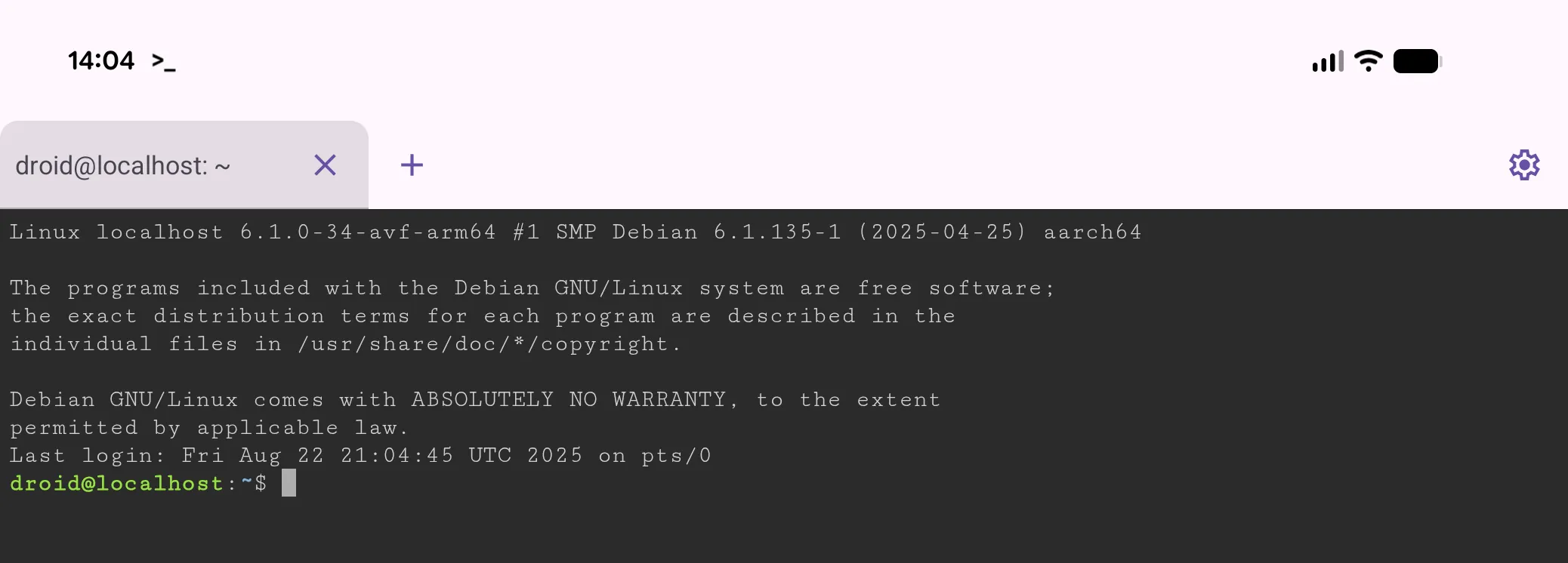
Phones are where we consume apps, not build them. When a colleague left to join Poolside I couldn’t shake this idea of being able to write software from anywhere, at any time. With the Pixel 10 Pro Fold, a larger screen, and a new Linux VM in Android 16, I wondered if now was that time.
I needed a project small enough to be achievable, but varied enough to be interesting. I’d recently cleaned up my dotfiles and couldn’t find a tool to visualise Git log formatting. Perfect.
Getting started
Before the trip I used AI Studio to bootstrap the project. A single prompt produced a working webapp with fake commit data from real people (Ada Lovelace, Linus Torvalds, etc.), cute.
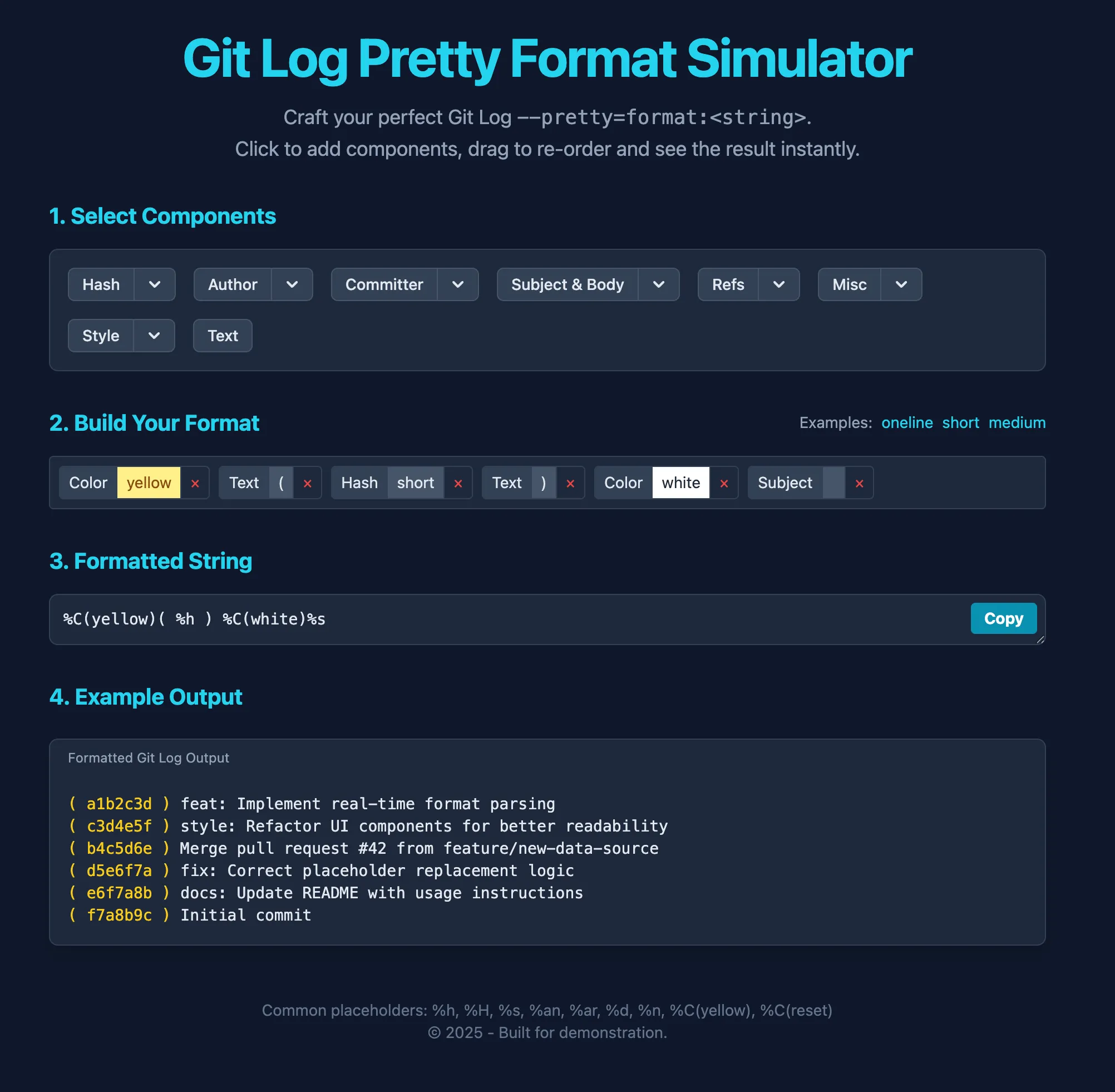
I copied it into a fresh GitHub repo, ready for the trip.
Unleashing the agents
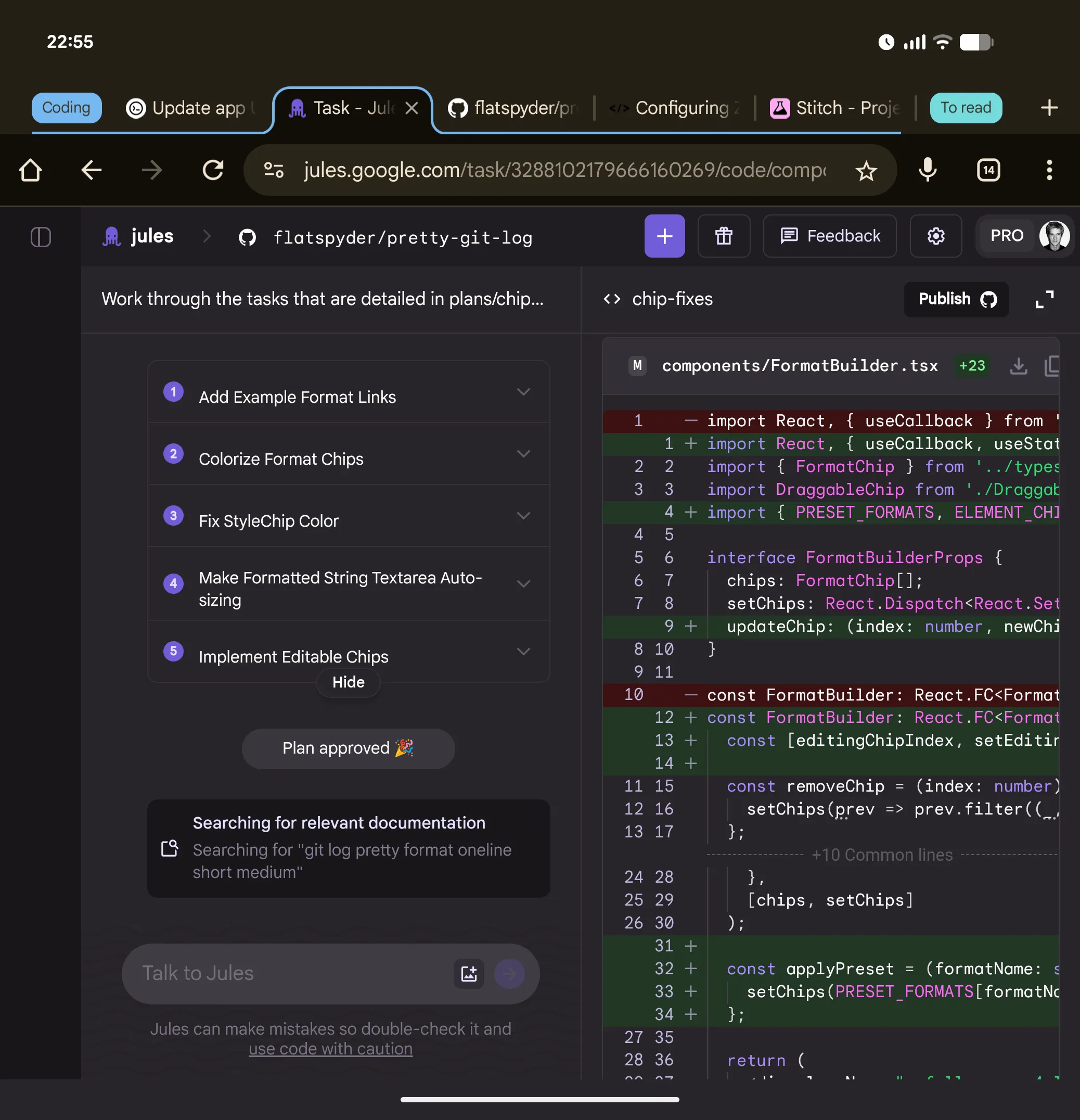
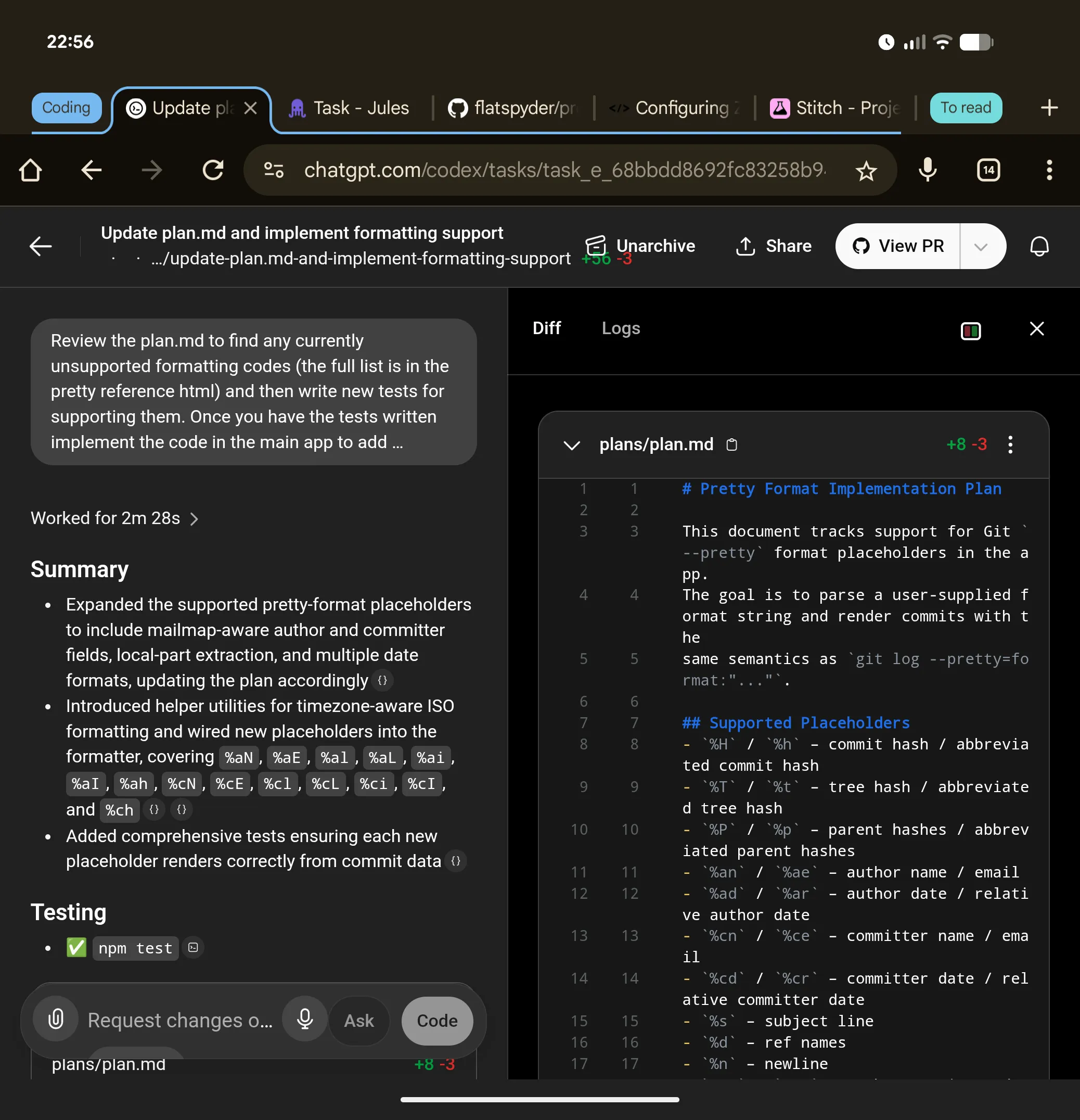
I wanted the phone to be more like a remote control, not responsible for development. That ruled out Claude Code. Instead I tried Google Jules and OpenAI Codex.
Both spin up isolated VMs, branch the repo, and submit pull requests. It’s like two teammates I can use my phone to discuss with, create and review tasks.
They had very different personalities:
- Codex: Dives in immediately, sometimes overshoots or abandons halfway.
- Jules: Draws up a plan, asks for sign-off, then gets to work.
Typing long prompts on a phone keyboard was tedious. Like any self-respecting computer scientist faced with a repetitive task, I wanted to automate it. Using the LLM, I decided to turn prompts into plans, transforming much of the work of writing into editing. With a new /plans folder in the repo, each new task started with the agents writing a Markdown doc spelling out exactly what should happen.
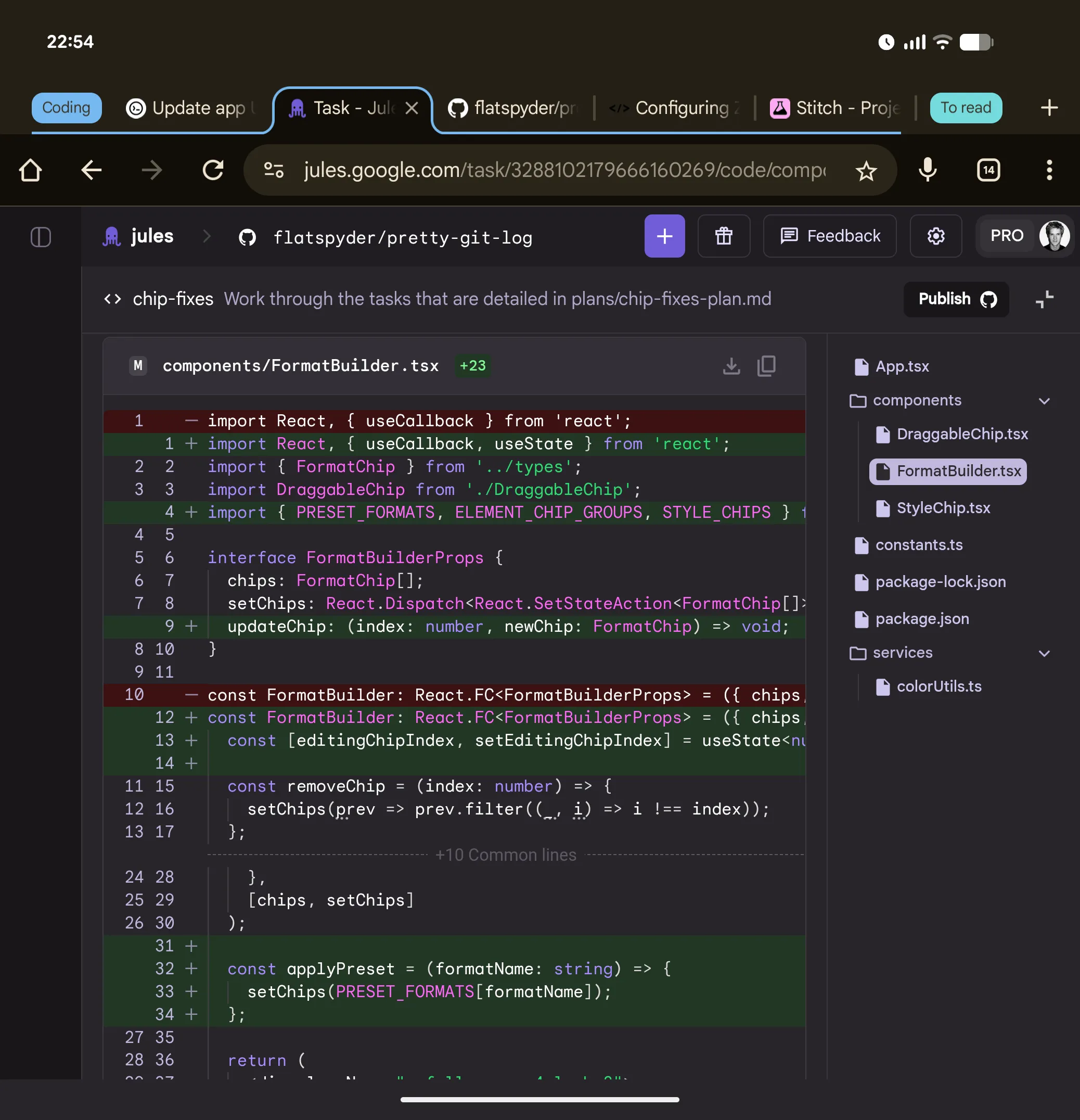
Keeping on track with longer tasks
The plans were working well. I was getting larger chunks of work completed without direct involvement. Adherence to the plan was a bit hit and miss, but I found a trick; treat the plan as a living document. As steps got completed, the LLM updated the plan, reinforcing context and keeping itself on track.
I also fed it reference material (like a list ofGit format tokens from documentation), and asked it to systematically work through them. The functionality of the app was growing fast at this point and I probably could have stopped here because it was already as capable as I needed for my own purposes. However, this was an experiment. I wanted to see how far I could go.
Managing the evolution of a vibe-coded app
LLMs write can write a lot of code, fast. It’s easy to quickly end up with a sprawling mess.
Inspecting the code, it looked fragile, lots of duplication across components and regex matching on strings. In short, it was clearly something that had evolved from a very basic idea into a featureful app with no efforts at refactoring.
This was meant to be a fun project, a hack to see how far you could go creating something from your phone. It’s certainly not my code and yet I couldn’t help but feel a little… ashamed. I’m not going to re-design it and refactor, but maybe the LLM could.
Watching the LLM observe and critique its own code was a little surreal but after a few rounds with gentle guidance there was a solid plan for improvements.
Visual development through language
I’ve got an app. It works. The code is manageable. However it still looks pretty ugly and the interaction design feels clunky.
I decided to try extending the code refactoring approach to the interaction design and this is where something magical happened.
I moved to a chat interface (ChatGPT and Gemini) to leverage multi-modal models with tool calling, asking them to:
- Review the live site.
- Critique the interaction design.
- Suggest improvements.
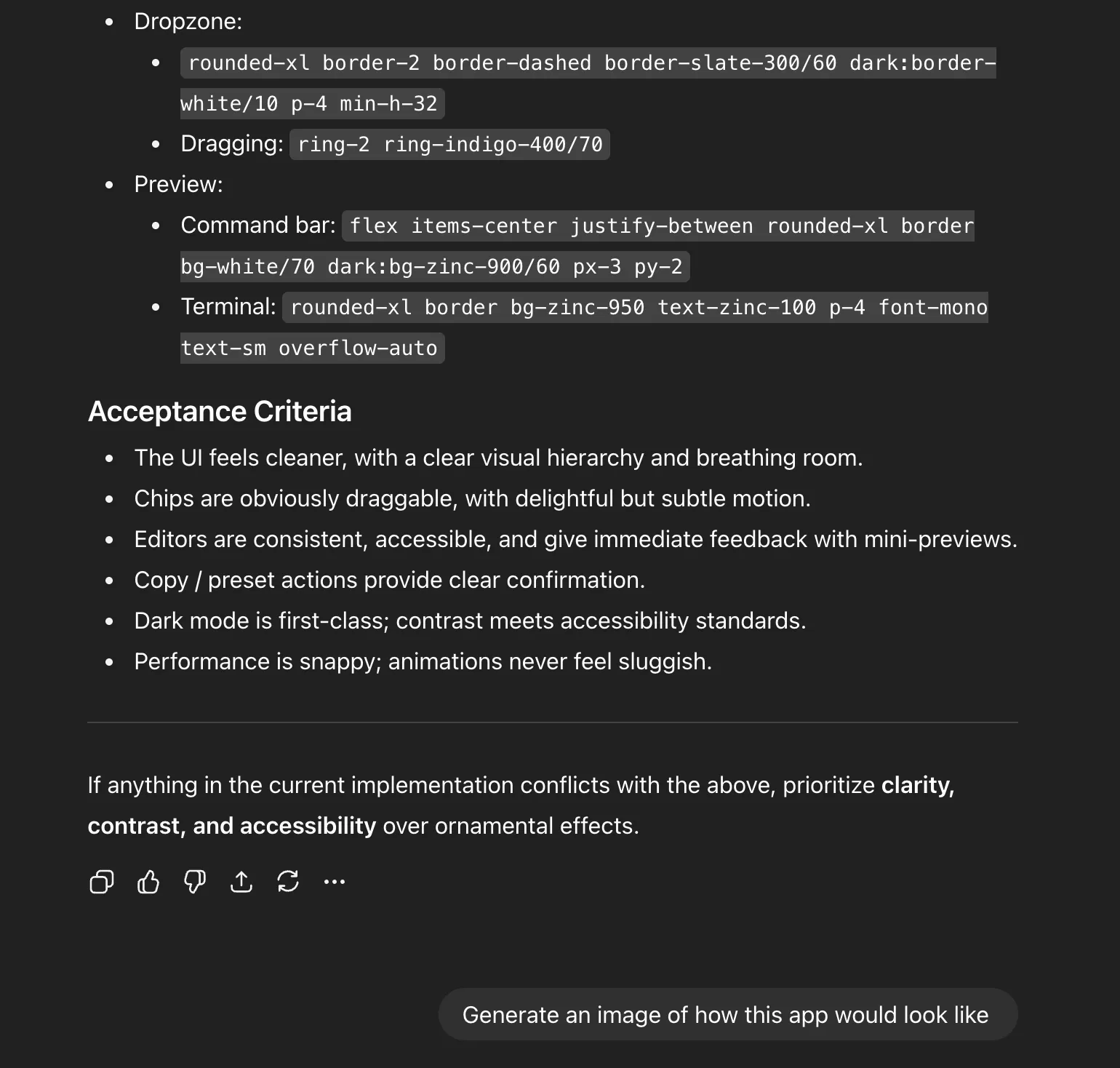
I gave it some vague visual design requests, asked it create a full visual spec and ended up with something with way too much detail. I’m on my phone, about to head out to dinner, I don’t have time for this. So I asked it to show me what it would look like.
Suddenly I had a mockup. I could immediately grasp the direction. In hindsight this seems so obvious but at the time it felt like an incredible breakthrough to move from convoluted words into a crisp image. The fluid transition from one modality to another still feels like magic.
spec → image → code
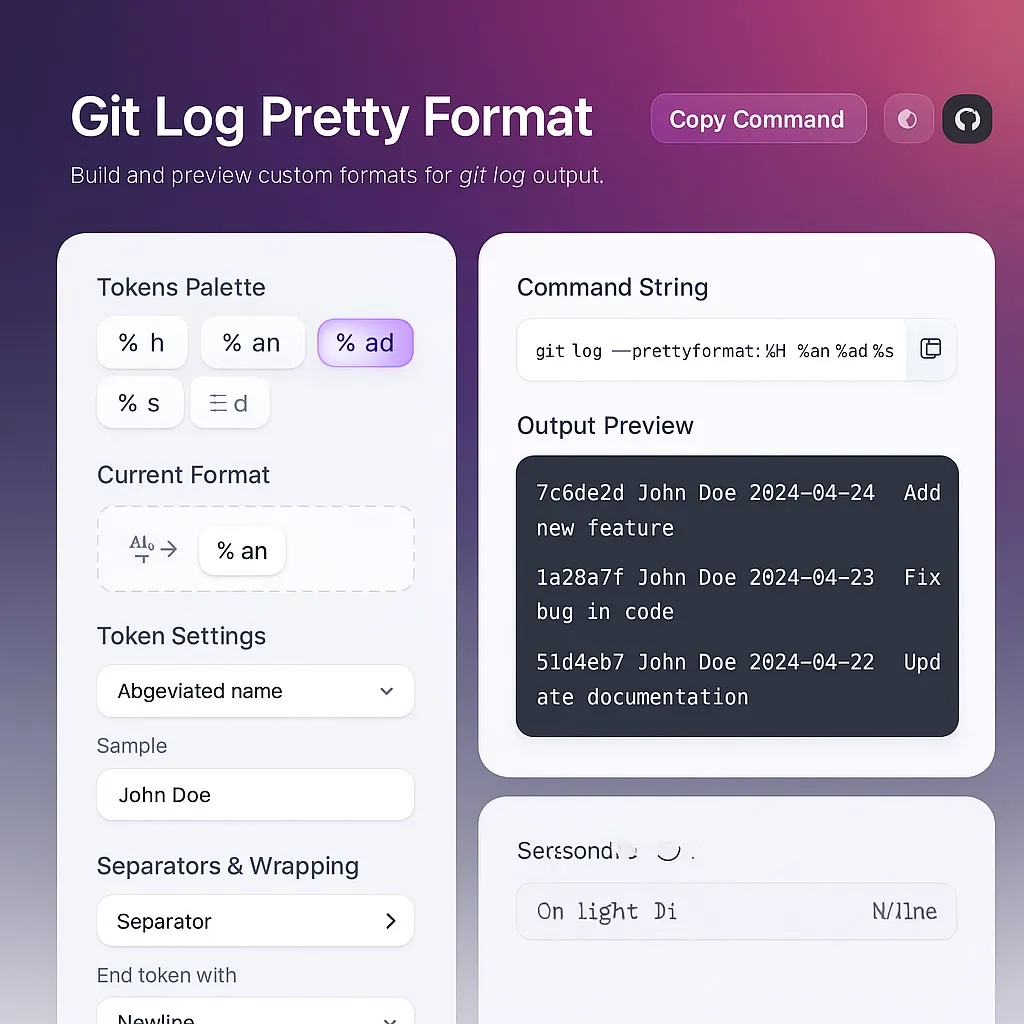
Codex then attempted a giant refactor: themes, animations, interaction tweaks. It looked beautiful. The animations were bouncy. The functionality was broken. Completely broken.
I regrouped with Jules, breaking the work into smaller steps. The end result was slightly more basic but the simpler more self-contained steps allowed me to verify each iteration and give feedback before things went off the rails.
The good, the bad and the ugly
By the end of the holiday I had a working webapp: Pretty Log Formatter. It lets you create custom Git log formats and preview them in the browser. It even supports themes and responsive layouts. The code is up at Github.
Some realities:
- Yes, I could do most of the project from the phone.
- No, coding directly in Codespaces was not fun.
- The code isn’t great. It works, but it’s hacky, testing is nonexistent, and maintainability is shaky.
The bigger lesson for me, with LLMs the bottleneck wasn’t coding, it was specification. Writing clear briefs, breaking work into chunks, reinforcing plans. Once those were in place, the agents could do a lot of independent work.
Closing thought
I built a real app on holiday, from my phone, in stolen minutes throughout the day. That’s pretty cool. I’m starting to look at gaps in the day like my train commute differently.
I still don’t think it’s possible to develop software on the phone. However it’s clear it is possible to develop software from the phone. With agents and my trusty remote control, I can make things even with my limited spare time.
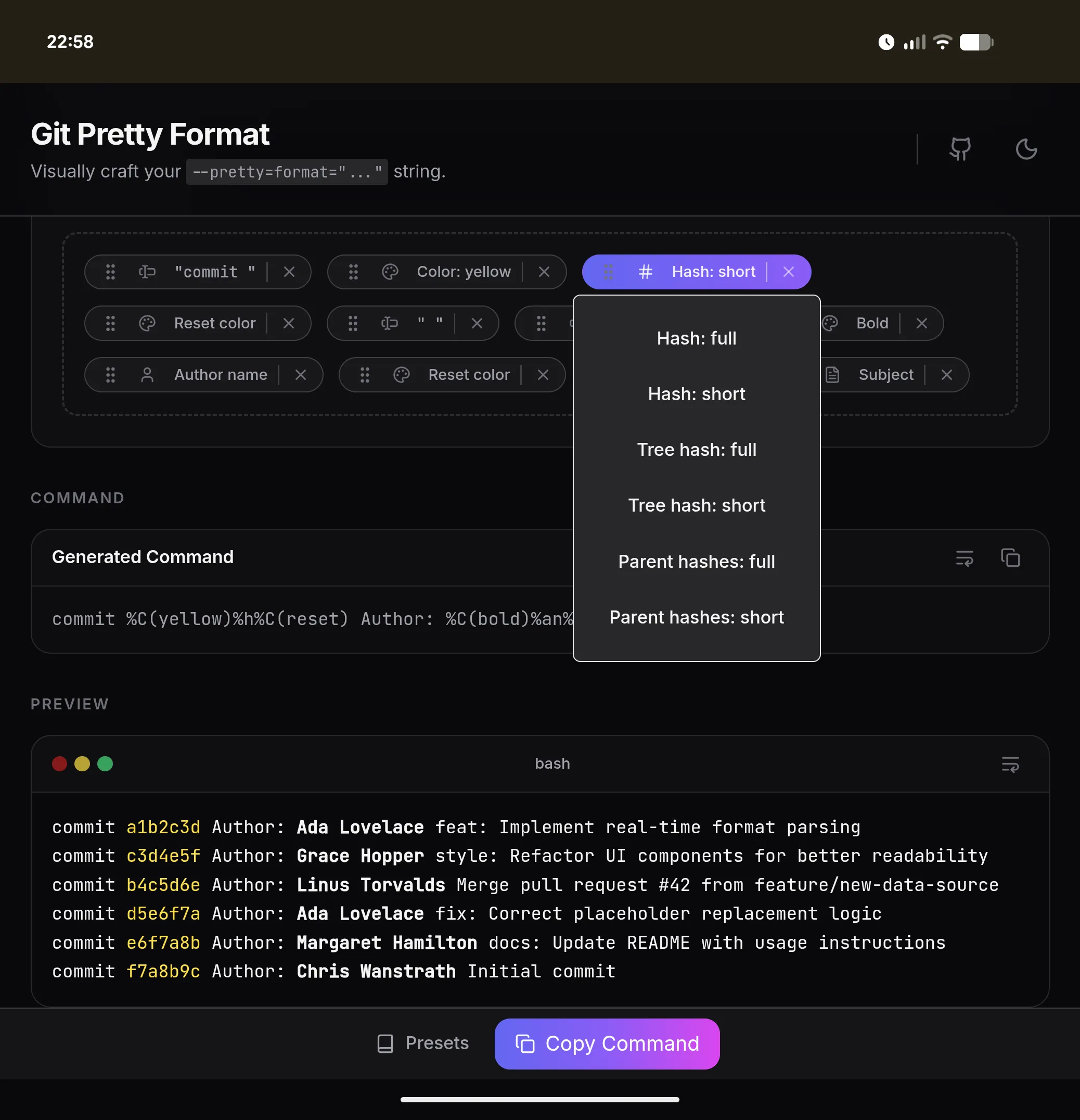
Limits of phone-only development
Most of the project was possible directly from the phone, but a few things remained awkward:
- Writing long prompts or editing raw code. Even on the extended foldable screen.
- Using VS Code via GitHub Codespaces — the keyboard consumes too much real estate and the layout was limiting (missing Tab key, etc.).
Continuous deployment through GitHub Actions solved the biggest issue by building and publishing the site automatically on commit.